Photo management and editing for Windows · macOS
Your vision.
Beyond the frame.
Rediscover your photos.
Make every frame your own.
The moment ends.
The photograph continues.
Choose your drives, and new photos are indexed automatically. Pick your shots with ratings and flags, see where they were taken on a map, and view RAW and JPG pairs as a single photo.
Organize ↗


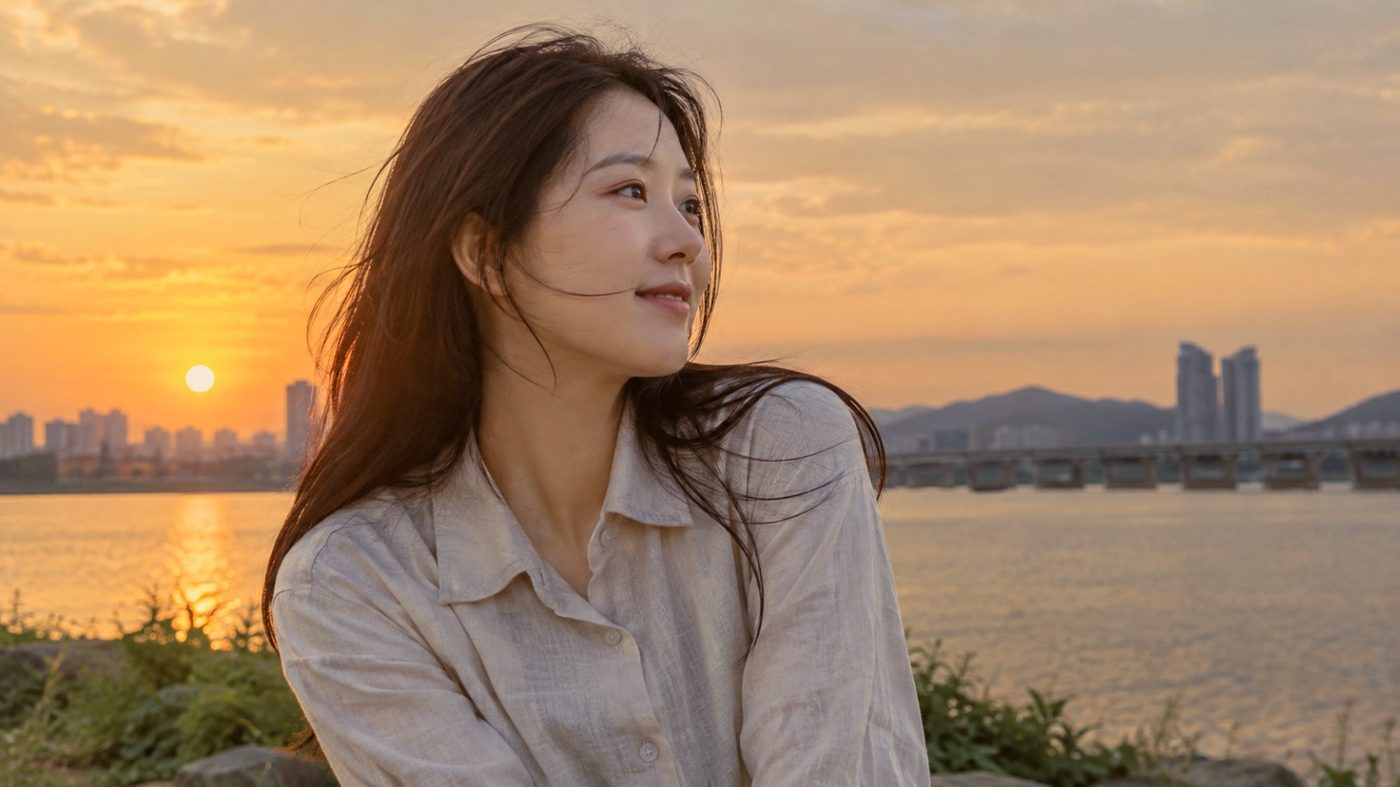
What is
your color?
Click a preset — each result is the same photo with that preset applied.
Organize
Find photos fast by date, place and camera
Choose your drives, and new photos are indexed automatically. Pick your shots with ratings and flags, see where they were taken on a map, and view RAW and JPG pairs as a single photo.
11 features Browsing guide →


- Index whole drives · selected folders only
- New photos added automatically
- Grid · Tiles · List views
- 1–5 star ratings
- Picked · Rejected flags
- Side by side · Reference compare
- Jump to date (year · month · day)
- View photos on a map
- Filter by camera · lens · folder · tag · format
- Filter by rating · flag · location · date range
- Group RAW + JPG as one
Full view
Check focus and blown highlights at a glance
Double-click to open a photo in full view, and zoom up to 1600% of the original pixels. It shows what's in focus and what's overexposed, so you can choose the right shot. Play your selected photos as a slideshow with music.
7 features Full view guide →

- Zoom up to 1600% of the original pixels
- Focus point display
- Clipping (blown-out) warning
- Switch between All · RAW · JPG
- Slideshow · transitions
- Slideshow music
- 360° viewing — exported 2:1 photos and MP4 (Windows)
Video
From 8K playback to trimming and music
Play 8K HEVC and 10-bit 4:2:2 footage shot on mirrorless cameras. In the Windows version, trim the start and end, add color, LUTs and background music, and export a new MP4 file. The original video stays as it is.
11 features Video editing guide →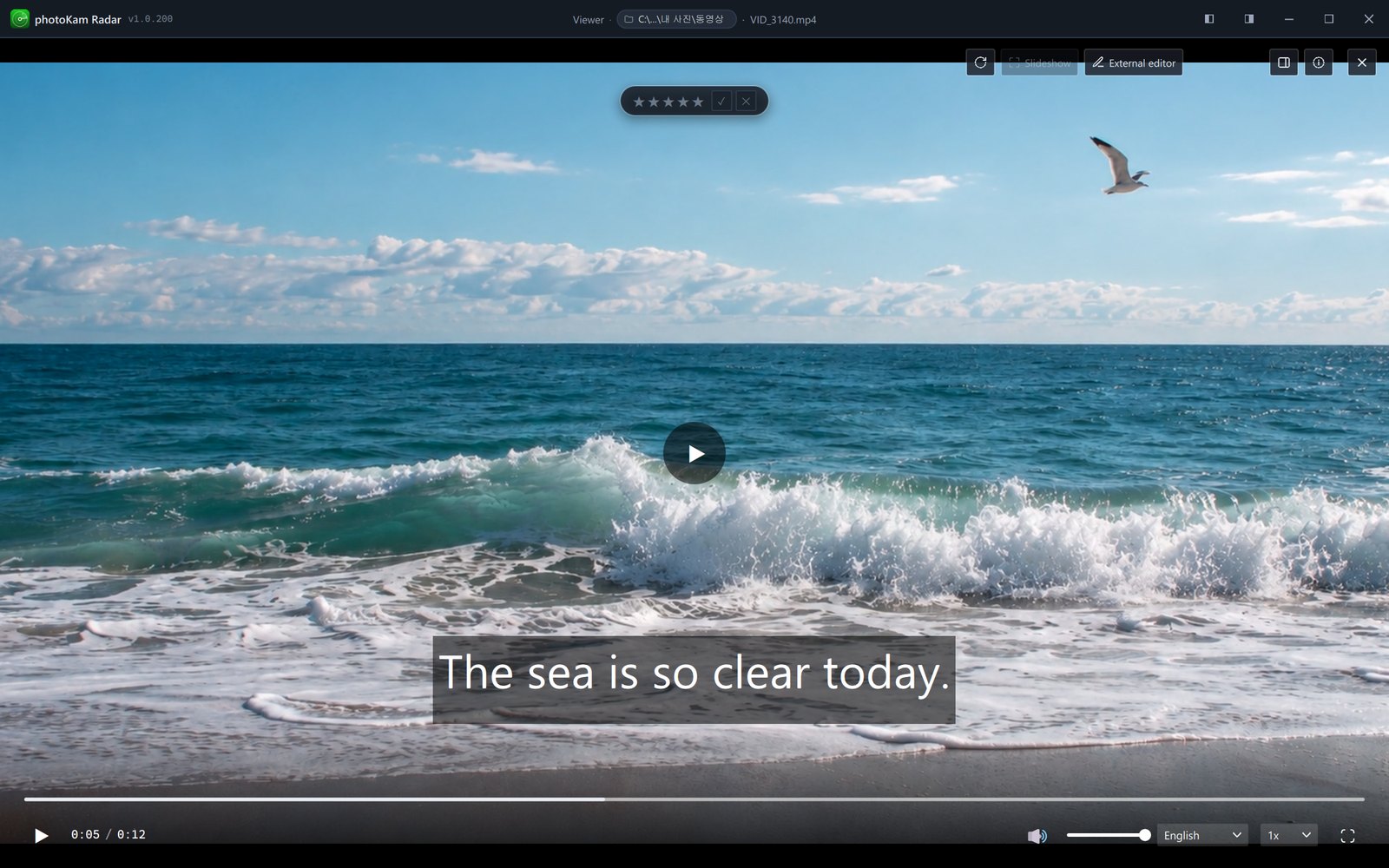
- 8K HEVC playback
- 10-bit 4:2:2 HEVC playback
- Trim timeline for the start and end
- Apply color · LUTs
- Log → Rec.709 conversion
- Background music · 8 built-in tracks
- Fade in · out
- 13 film looks
- Aspect ratio · straighten · perspective
- Scene capture
- MP4 export
The full version: no watermark, on one PC, with no time limit
Keep every feature of the free version, and export photos and slideshows without a watermark.
Photo editing
From one-click Auto to fine-tuning
Click ‘Auto’ at the top to fix brightness, color and shaded faces. Then fine-tune light, blacks, curves, detail, lens, color and crop — save versions of your edit, or paste the same settings onto other photos.
22 features Editor guide →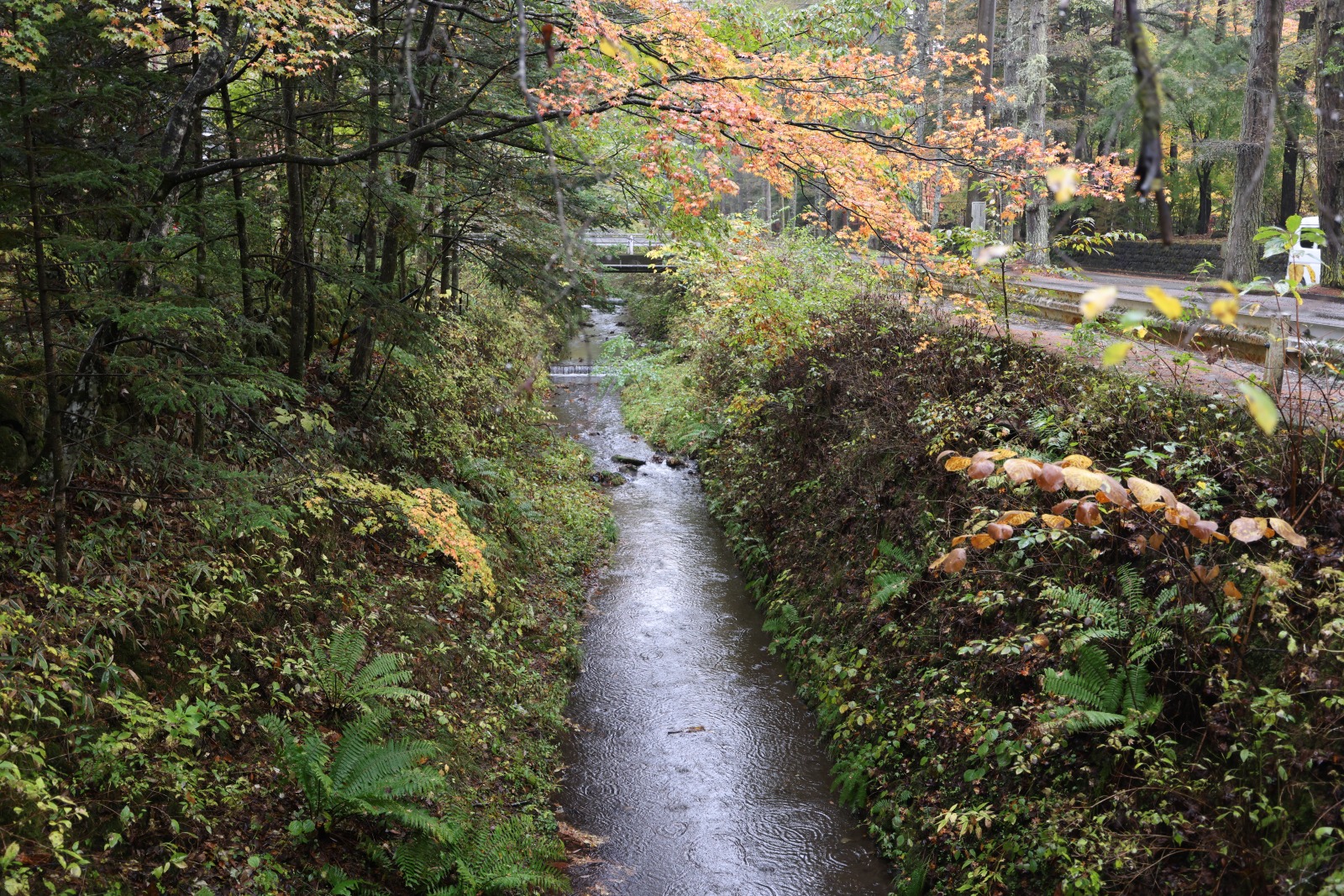
 BeforeAfter
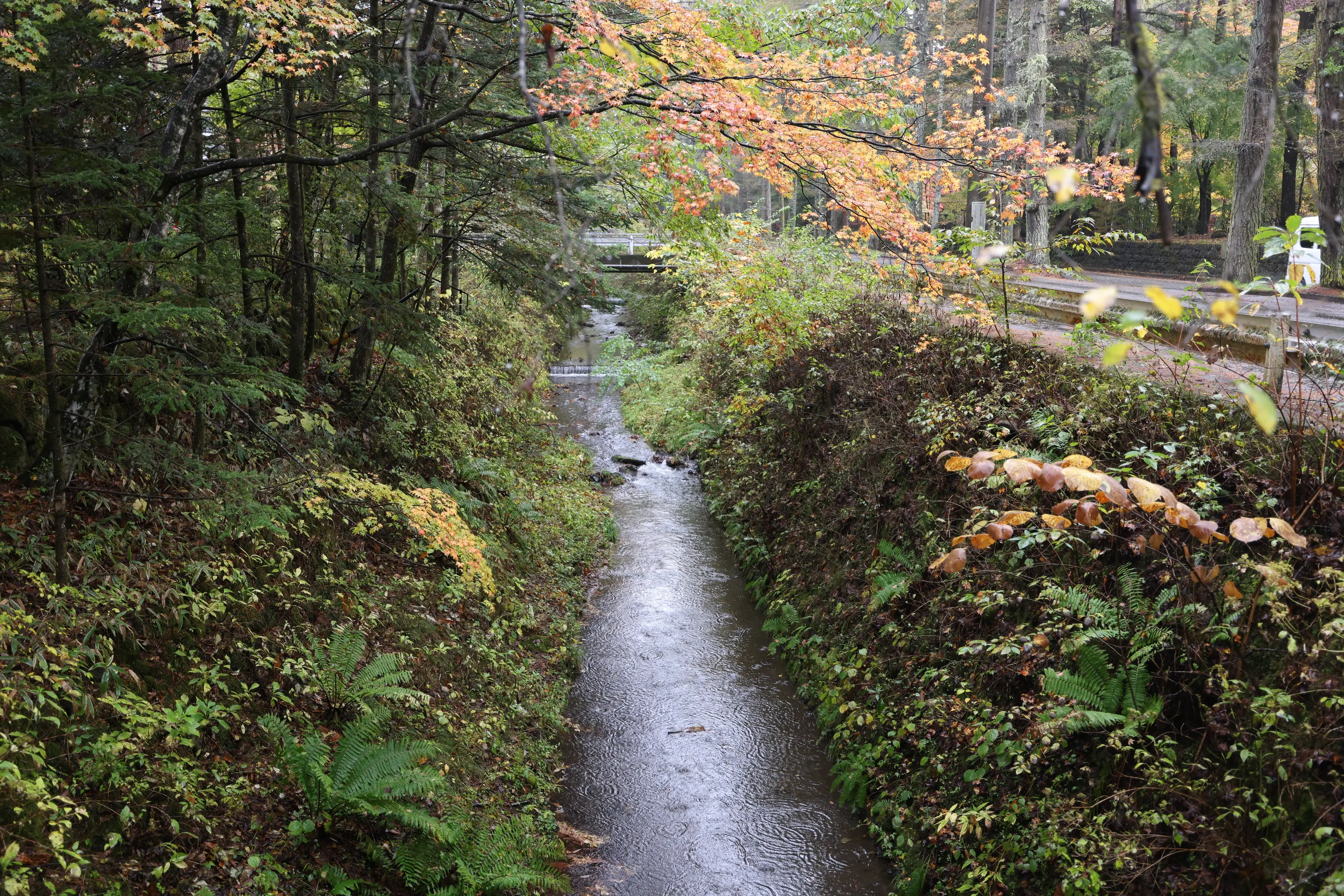
Auto tone — balances brightness and contrast in an autumn forest, keeping deep shadows and natural leaf colors.
Drag the center line left or right to compare before and after.
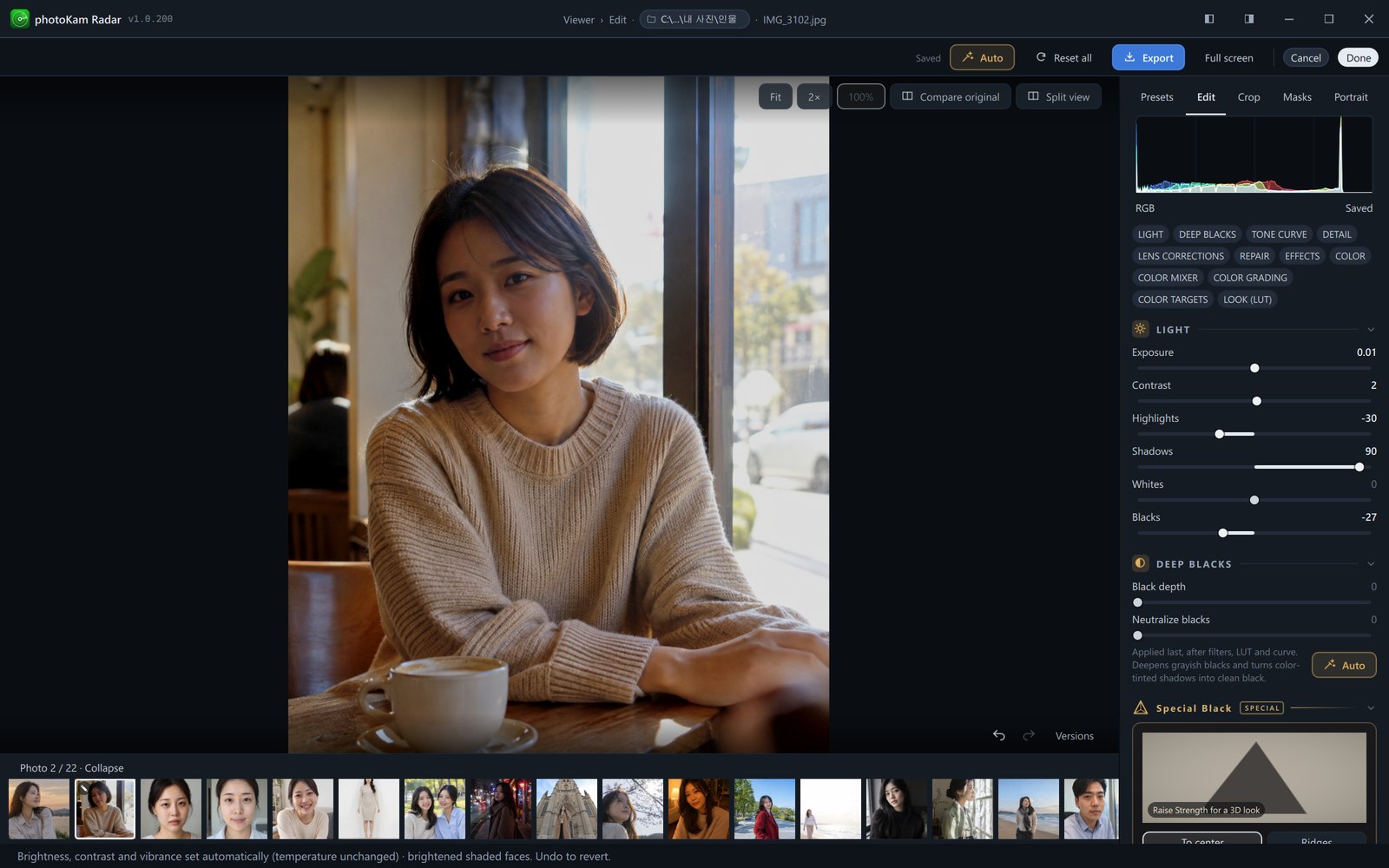
- Auto (brightness · contrast · vibrance)
- Brighten shaded faces
- 6 RAW profiles
- JPG style
- Camera calibration
- Exposure · Contrast
- Highlights · Shadows
- Black depth · Neutralize blacks
- Special Black
- Tone curve (RGB · Red · Green · Blue)
- AI denoise
- Texture · Clarity · Dehaze
- Lens distortion correction
- Auto color · Auto tone
- Color mixer (8 colors × hue · saturation · luminance)
- Color grading
- Color targets (selected colors only)
- Look (LUT .cube)
- Crop · aspect ratio
- Auto level · Auto vertical
- Vertical · horizontal perspective
- Copy edits · paste to multiple photos
Masks
Darken just the sky, brighten just the face
Mark areas with the brush, linear, radial and rectangle tools, and pick up similar colors with Magic select. People, background, hair, clothes, sky and skin are found automatically, and each mask gets its own brightness and color adjustments.
6 features Masks guide →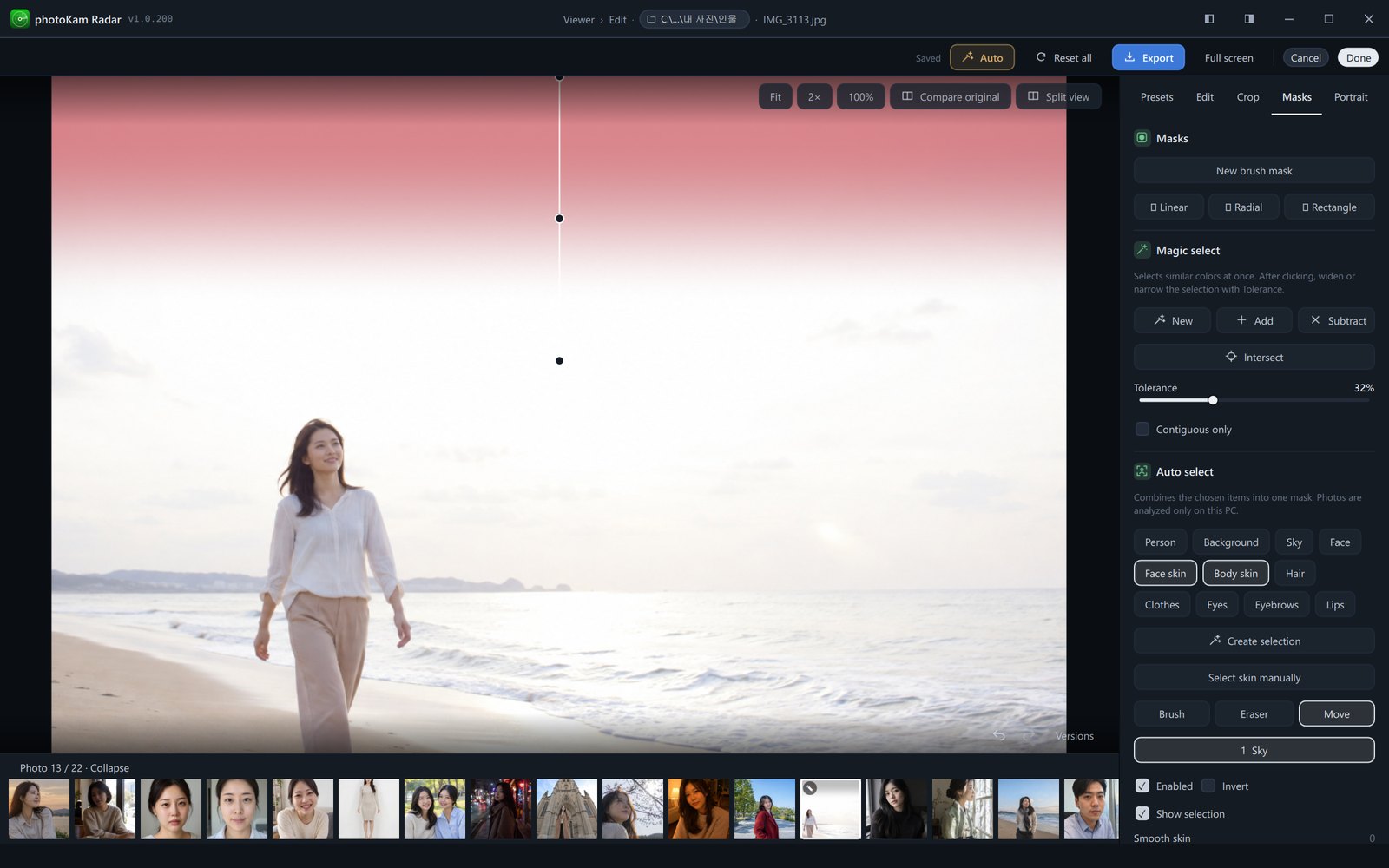
- Brush · Eraser
- Magic select (Add · Subtract · Intersect)
- Auto select (person · background · sky · skin)
- Hair · clothes auto select
- Recognition pack
- Separate adjustments for each mask
Portrait retouching
Retouch each person in the photo separately
On the Portrait tab, faces and bodies are detected so you can retouch each person separately. Start quickly with Natural, Radiant or Profile photo, then fine-tune skin, hair, makeup and face shape with sliders. All processing happens on your PC.
66 adjustments Portrait retouching guide →Portrait retouching is a beta feature. Detection accuracy may vary from photo to photo.

 BeforeAfter
Makeup — applies lipstick, blush, eyeshadow, eyeliner and brows that follow the contours of the face.

Quick retouch 3
- Natural
- Radiant
- Profile photo
Choose a person 1
- All faces · one person at a time
Skin 11
- Smooth
- Texture
- Reduce pores
- Remove blemishes
- Freckles · spots
- Even skin tone
- Reduce shine
- Skin brightness
- Frown lines
- Smile lines
- Neck lines
Hair 5
- Reduce gray hair
- Cover gray hair
- Gray hair spread
- Adjust fill line
- Fill hairline roots
Eyes 10
- Whiten eyes
- Sharpen iris
- Dark circles
- Define brows
- Eye size
- Wider
- Taller
- Eye width
- Eye corner angle
- Eye spacing
Mouth 3
- Whiten teeth
- Lip color
- Mouth size
Makeup 12
- 9 makeup looks
- Look strength
- Lipstick
- 4 lip finishes
- Blush
- Eyeshadow
- Eyeliner
- Brows
- Contour
- Highlighter
- Custom colors
- Hide makeup
Face contour 6
- Forehead height
- Narrow nose
- Slim face
- Cheekbones
- Cheek fullness
- Chin length
Body 15
- Body brightness
- Body smoothing
- Clothing wrinkles
- Lower trapezius
- Bust
- Bust lift
- Body width
- Waist width
- Arm width
- Leg width
- Shoulder width
- Hips
- Leg length
- Neck length
- Head size
Export your portraits without a watermark, too
The full version is USD 39. Buy it on our pricing page, then register it in the app with the order code we email you.
Presets
55 built-in presets, applied in one click
Choose from 15 Japanese Mood presets, plus European Mood, wedding · snap, night · city, food · everyday, cinematic, film and black & white looks. Thumbnails preview each look on your current photo, and Browse opens a large view where you can set the strength anywhere from 0 to 150%. You can also choose a reference photo and match its colors.
59 presets and tools Presets guide →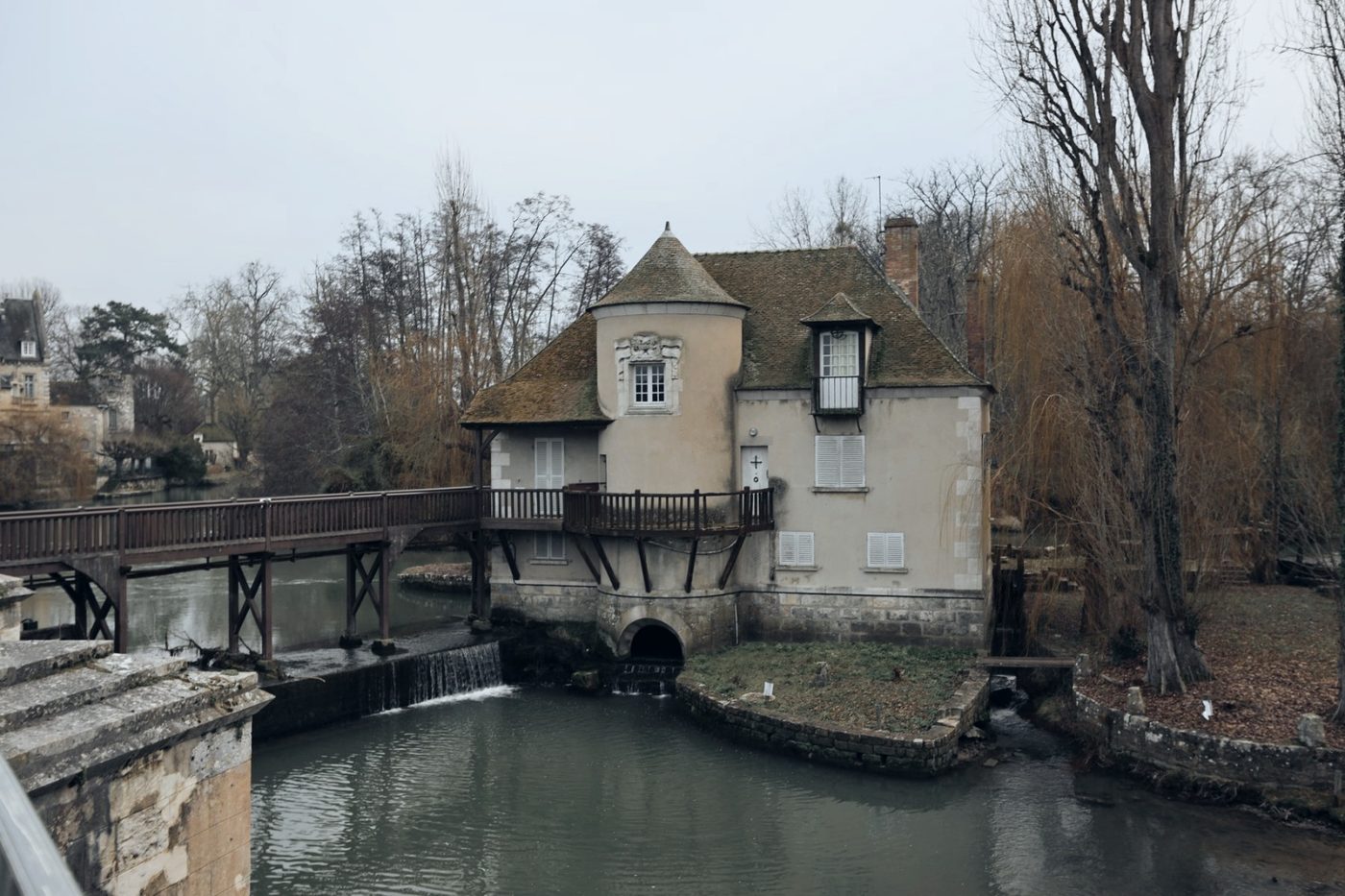
The app's presets applied to a real photo of a riverside village (no people).
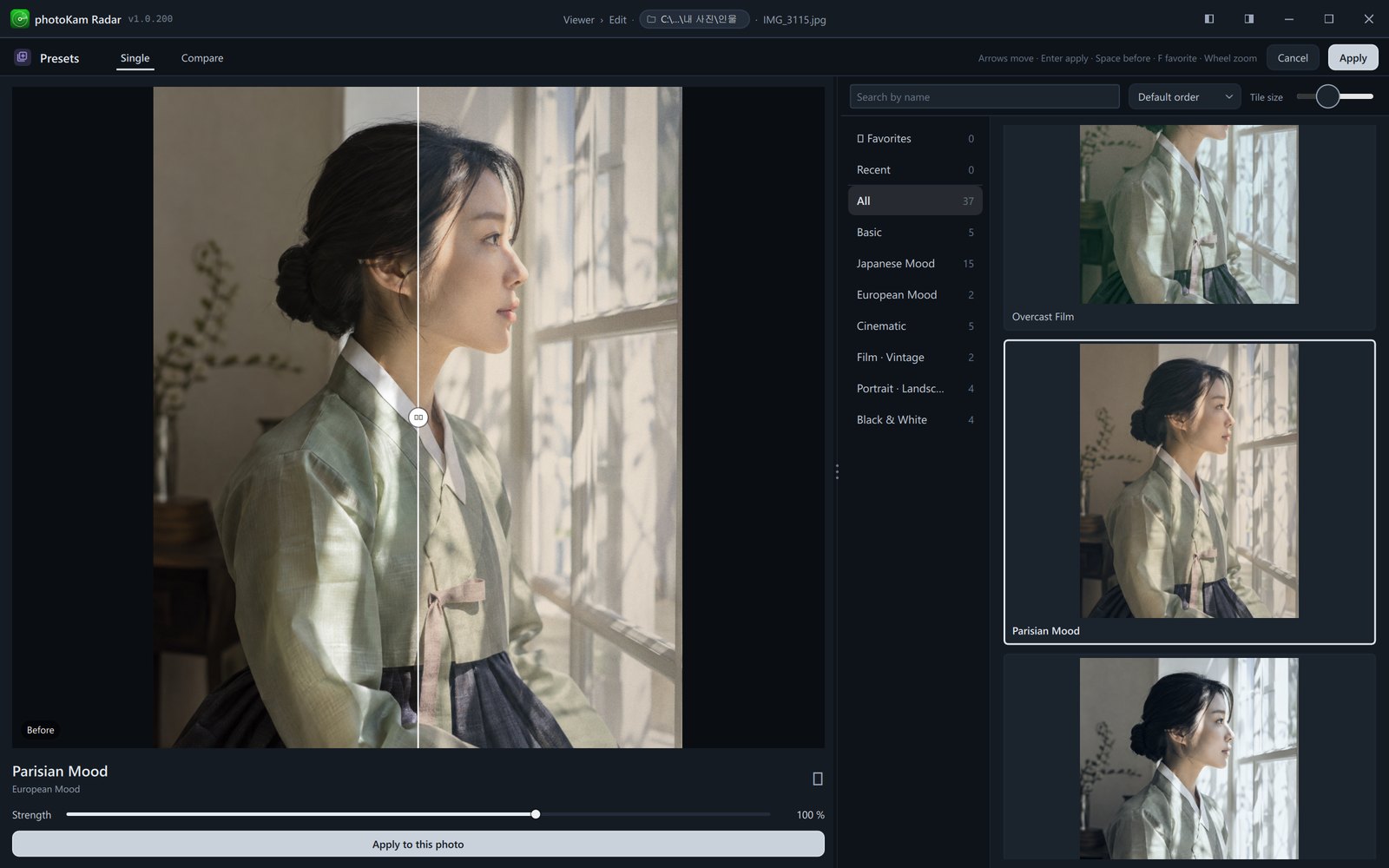
Basic
- Neutral
- Vivid
- Warm Tones
- Cool Tones
- Soft
Japanese Mood
- Airy Japanese
- Film Green
- Teal Summer
- Clear Afternoon
- Green Shade
- Cyan Highlights
- Urban Teal
- Urban Teal Deep Shadow
- Urban Teal Classic
- Urban Teal Low-Key
- Urban Teal Noir
- Urban Teal Cine
- Forest Walk
- Seaside Town
- Overcast Film
European Mood
- Parisian Mood
- Paris White
Wedding · Snap
- Wedding White
- Romantic Pink
- Café Mood
- Spring Snap
Cinematic
- Cinematic
- Cinematic Warm
- Cinematic Cool
- Cinematic Fade
- Teal & Orange
Film · Vintage
- Film
- Vintage
- Warm Film
- Instant Film
- '90s Color
Portrait · Landscape
- Golden Hour
- Blue Hour
- Portrait
- Landscape
- Clear Skin
- Autumn Leaves
- Blue Sky
- Winter Snow
Night · City
- Neon Night
- City Night
- Alley Film
Food · Everyday
- Tasty Food
- Clean Everyday
Black & White
- Black & White
- Noir
- Sepia
- Cold B&W
- High-Contrast B&W
- Soft B&W
Tools
- Browse presets
- Strength 0–150%
- Match a reference photo's colors
- Save · export · import your own presets
Export
Originals untouched, results in new files
Your edits are saved to a new file while the original stays as it is. Choose the format, color space and size, and which photo information to include. Location and camera serial numbers are left out by default. You can also export with a frame showing camera details, or styled as a magazine cover.
9 features Export guide →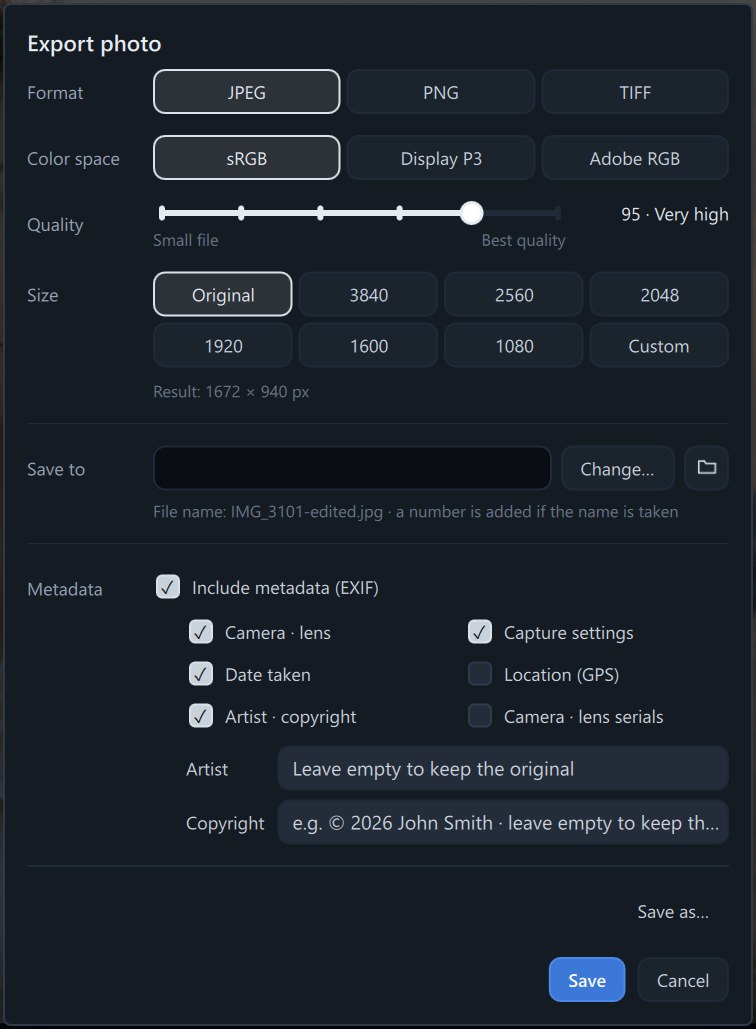
- JPEG · PNG · TIFF
- sRGB · Display P3 · Adobe RGB
- Choose metadata items
- Location · serial numbers left out by default
- Add artist · copyright
- Frames with camera details
- 10 magazine covers
- Your own logo · text watermarks
- Share to Showcase
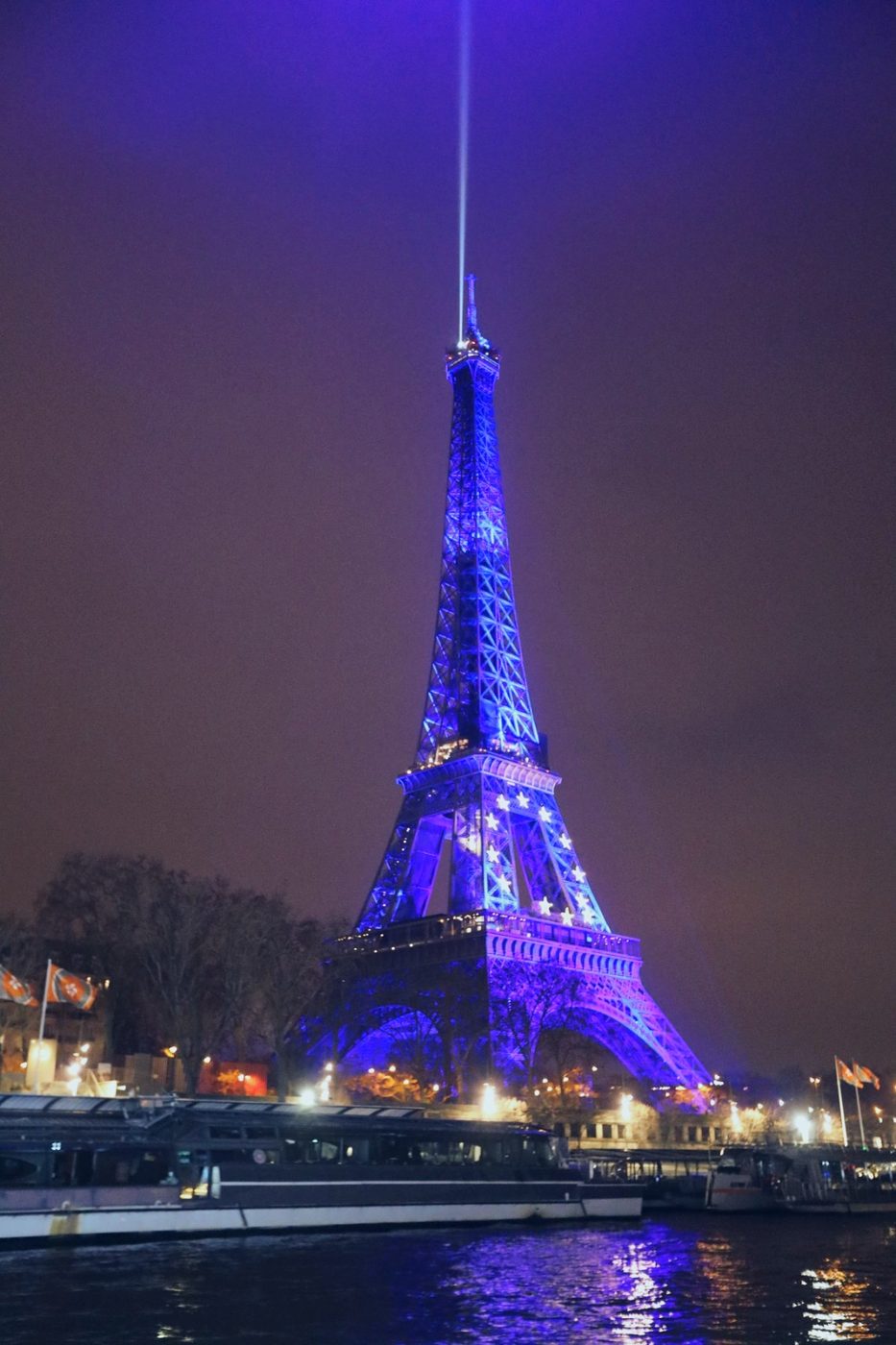
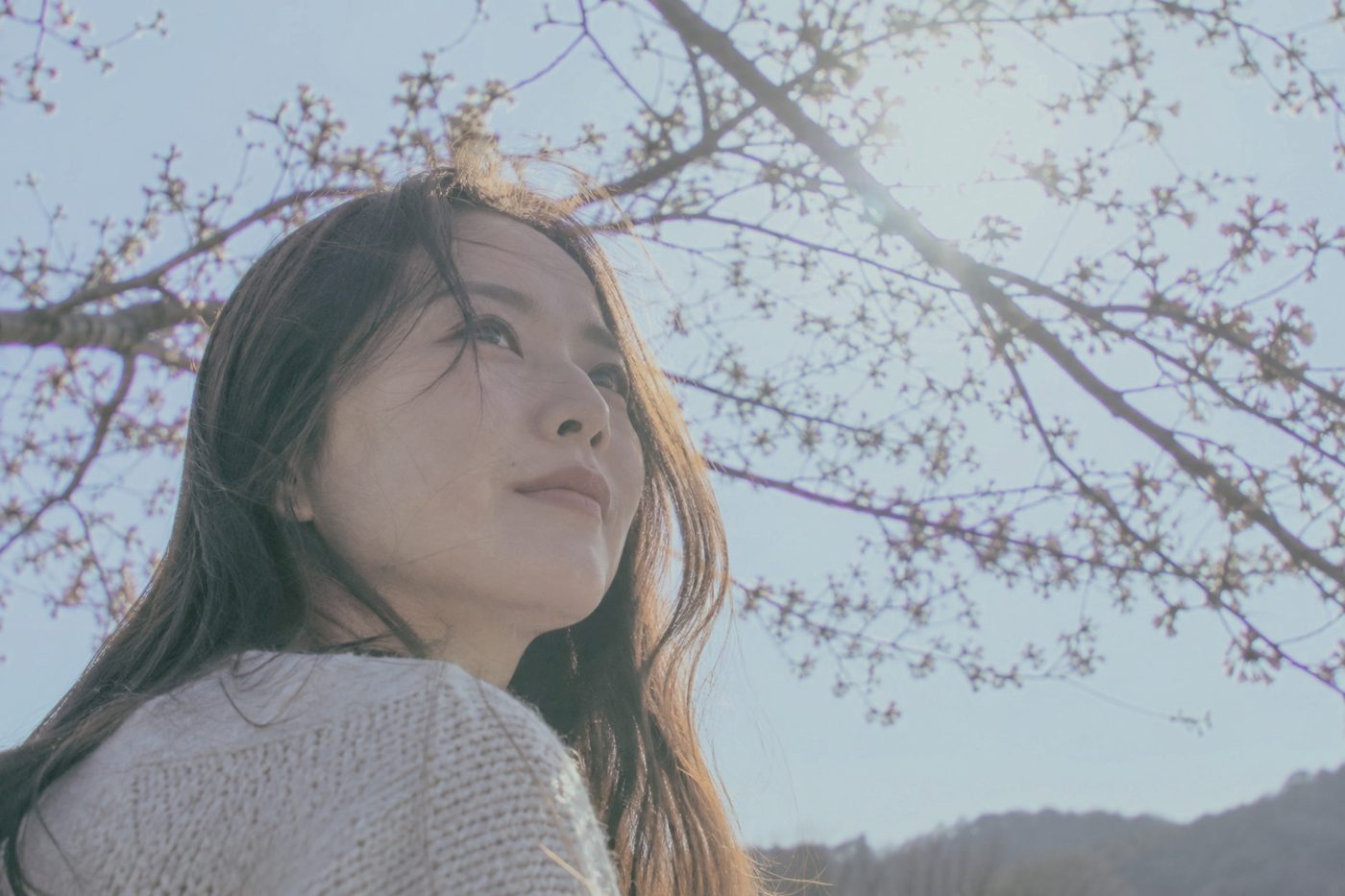
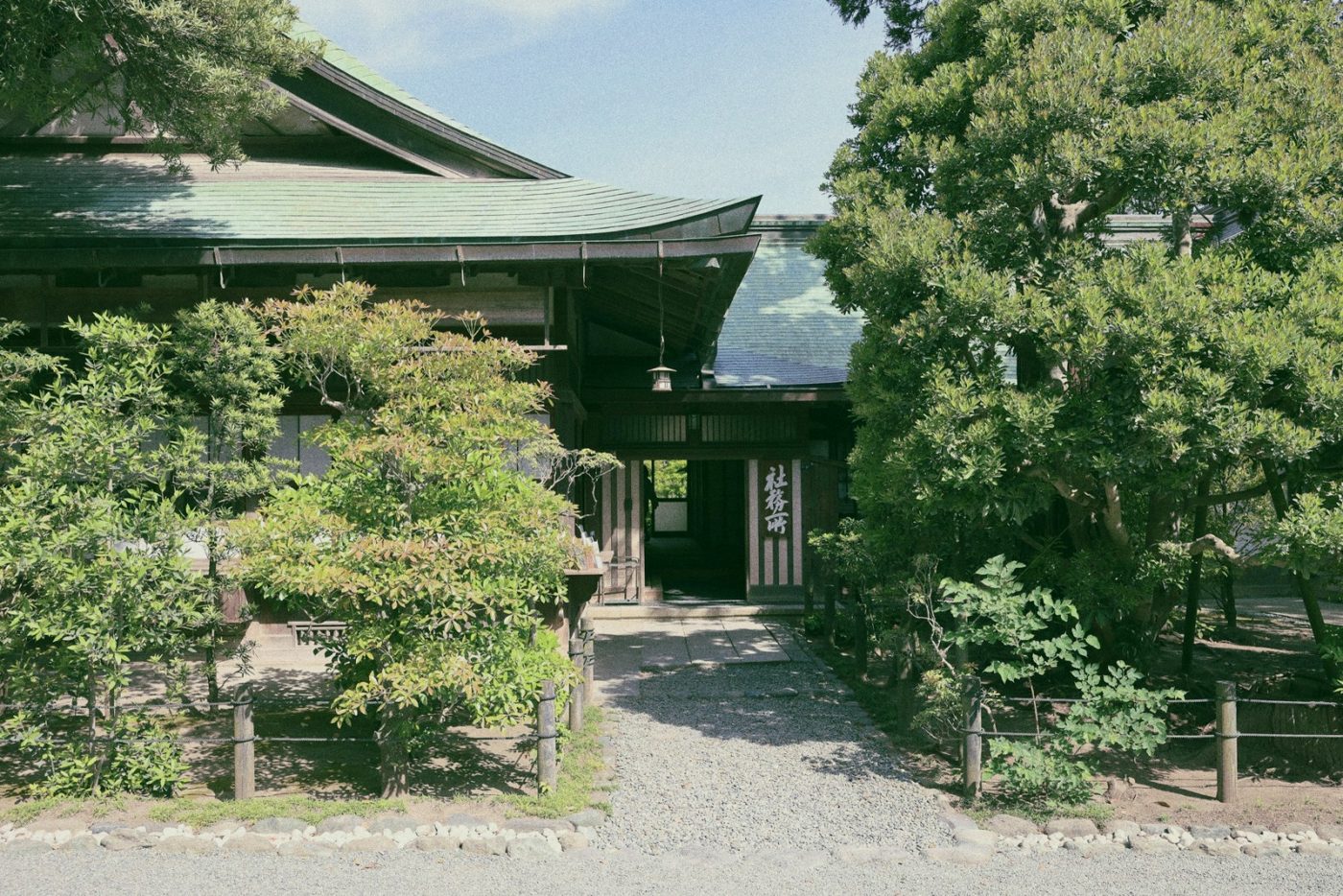
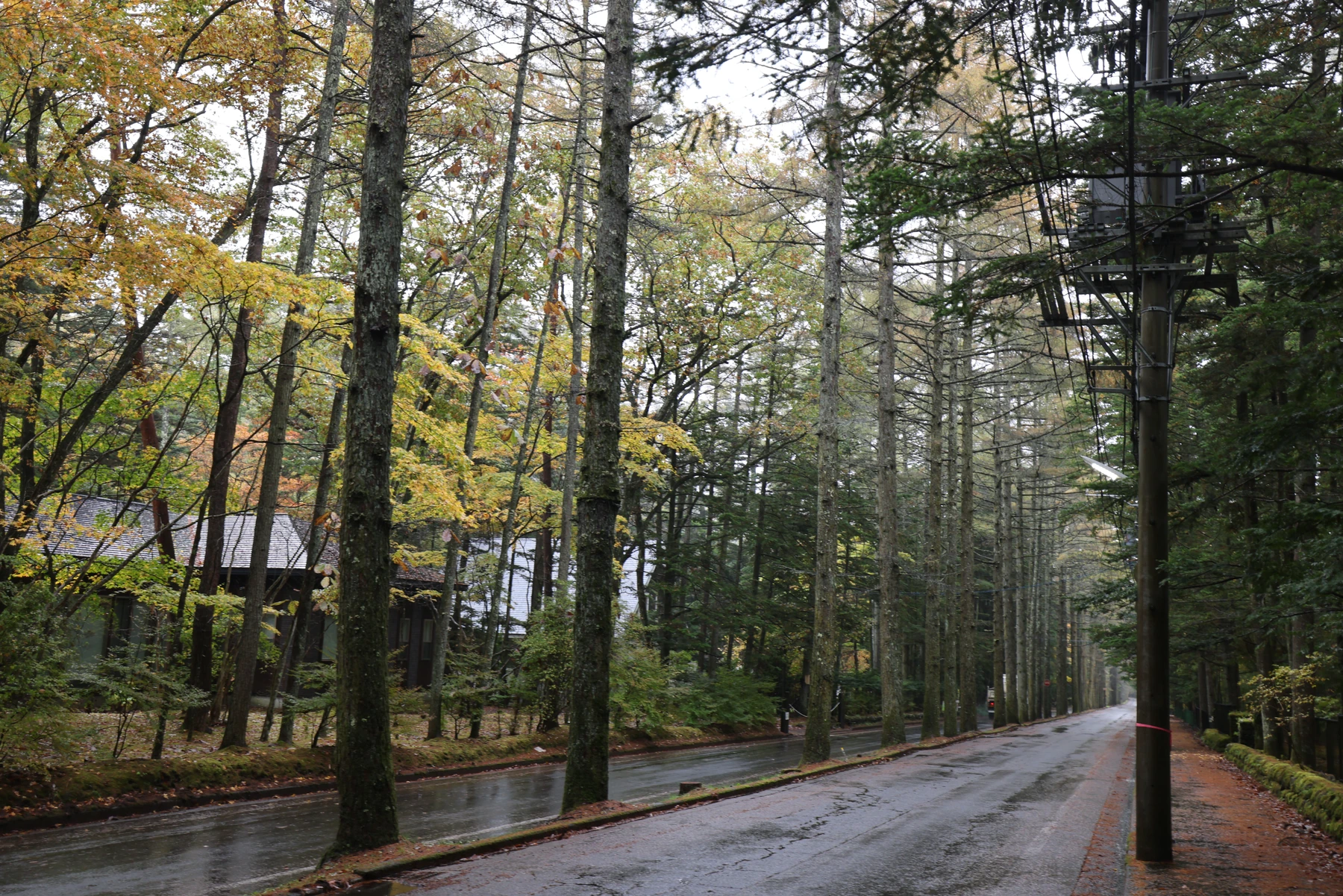
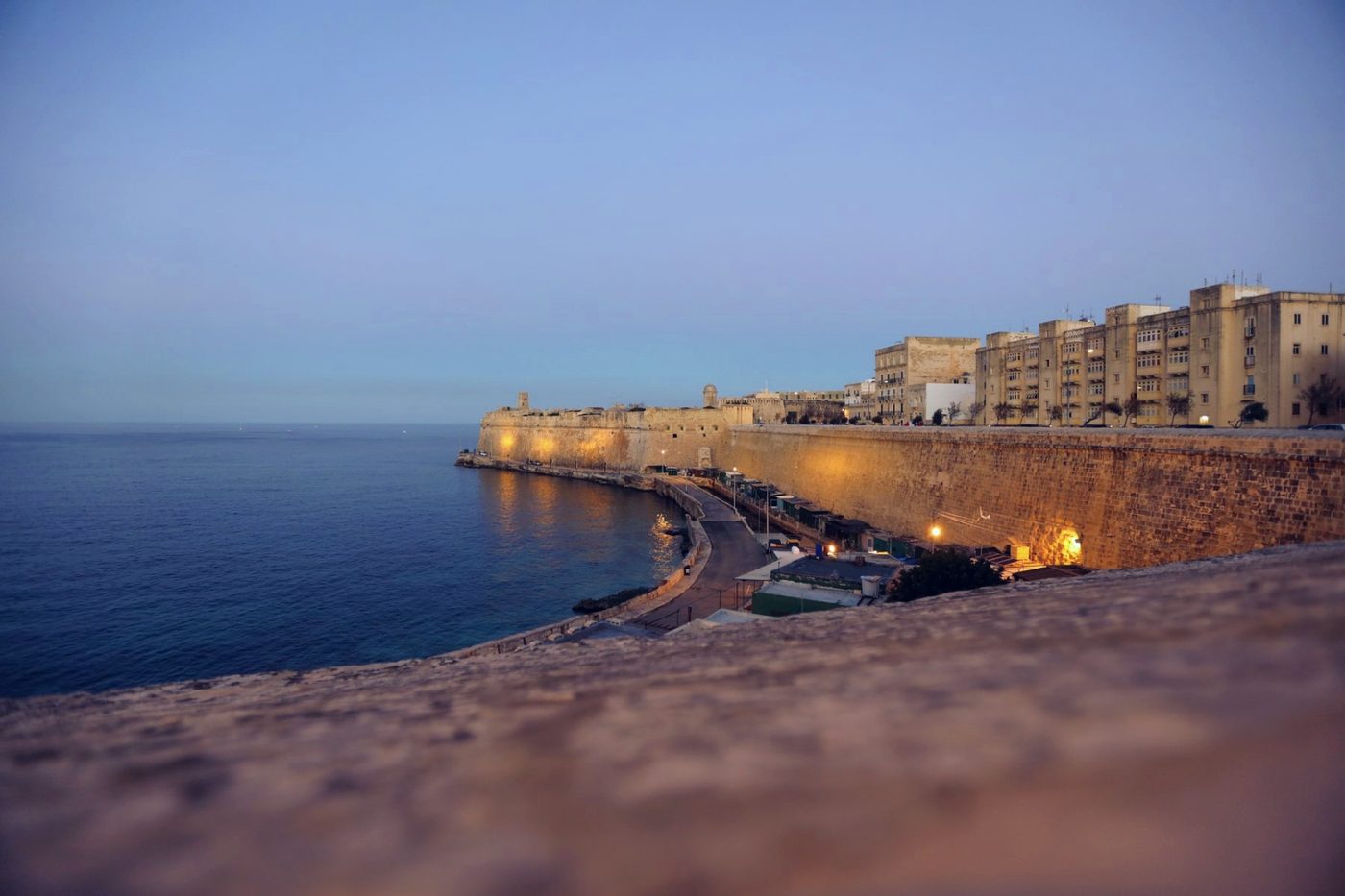
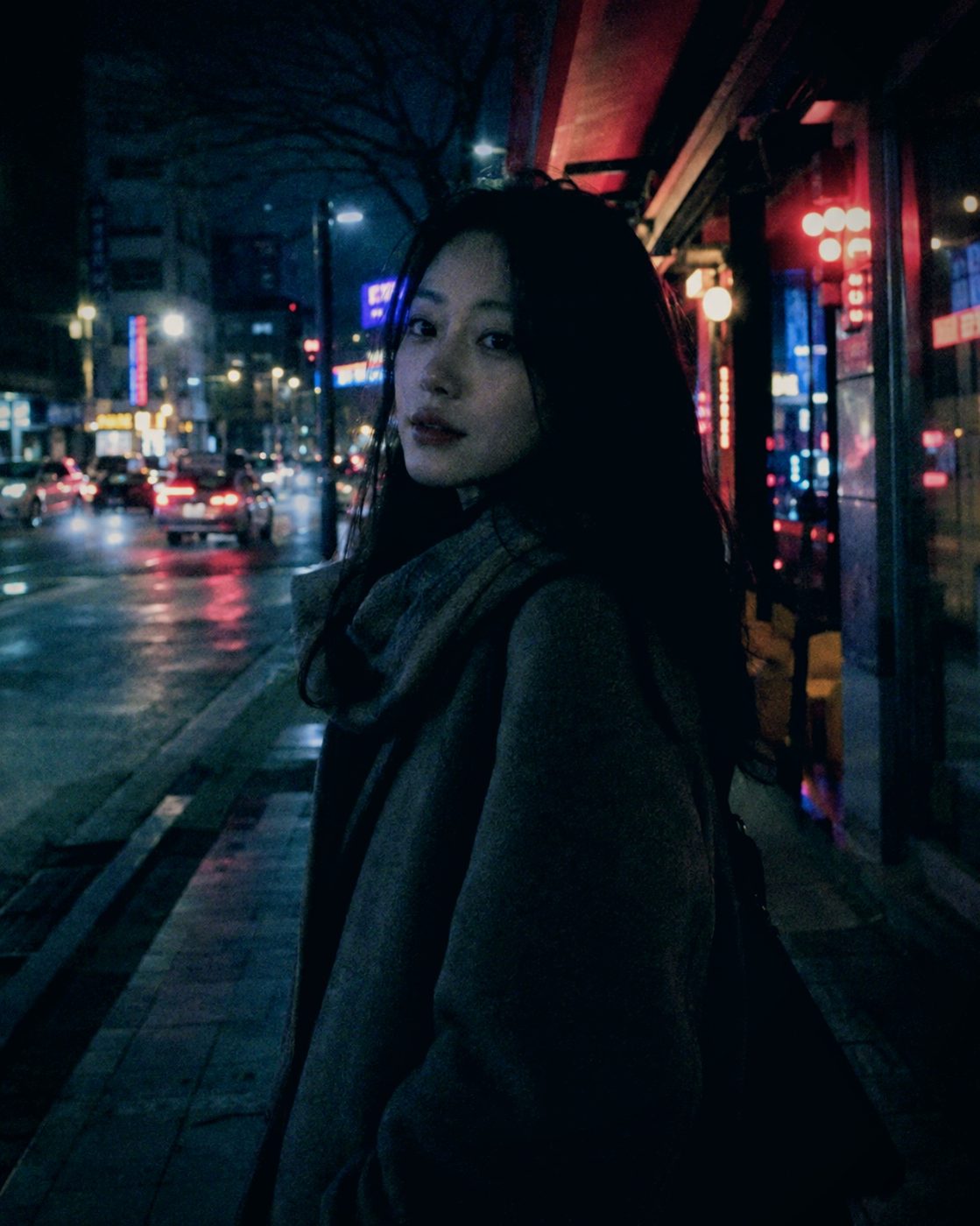
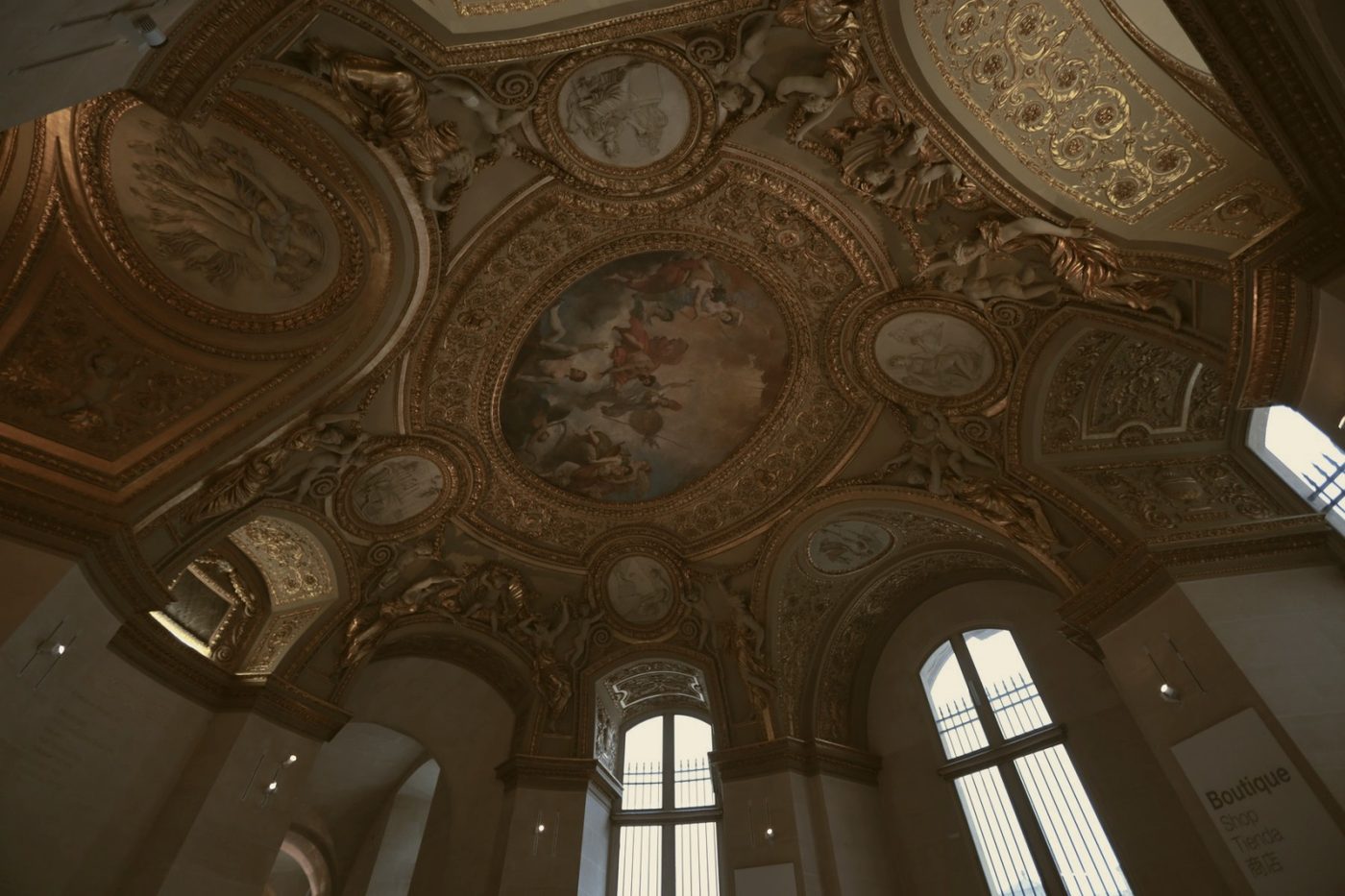
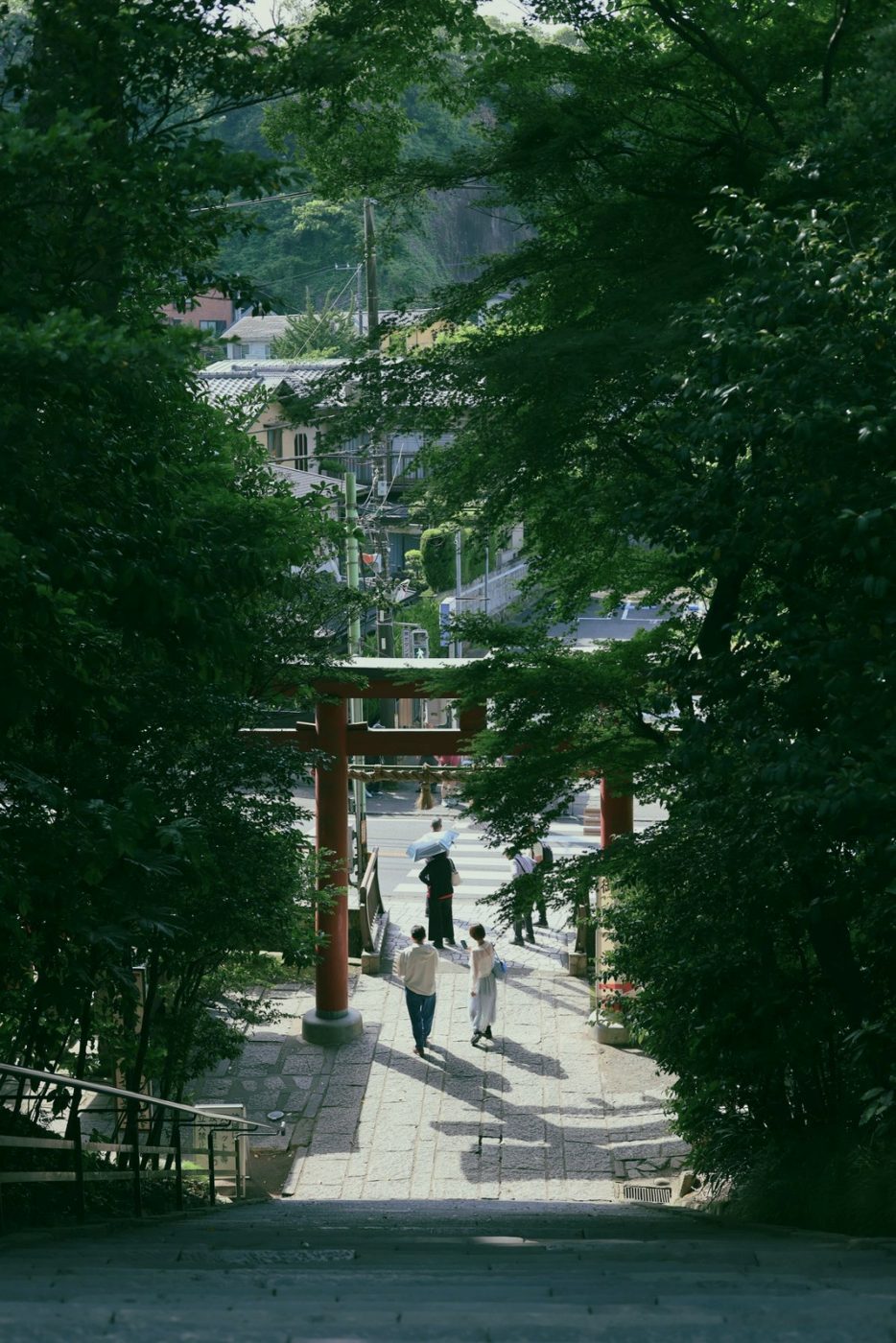
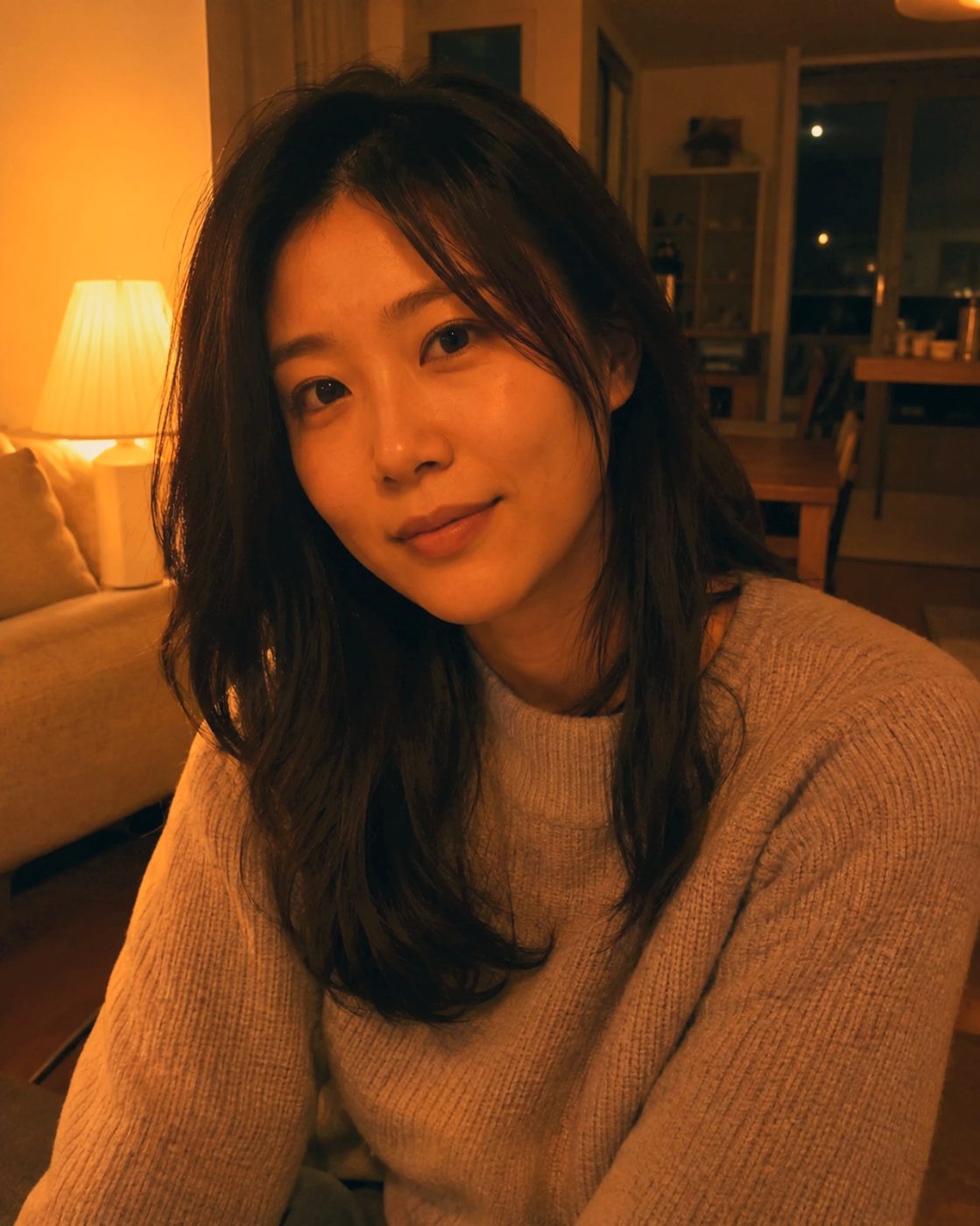
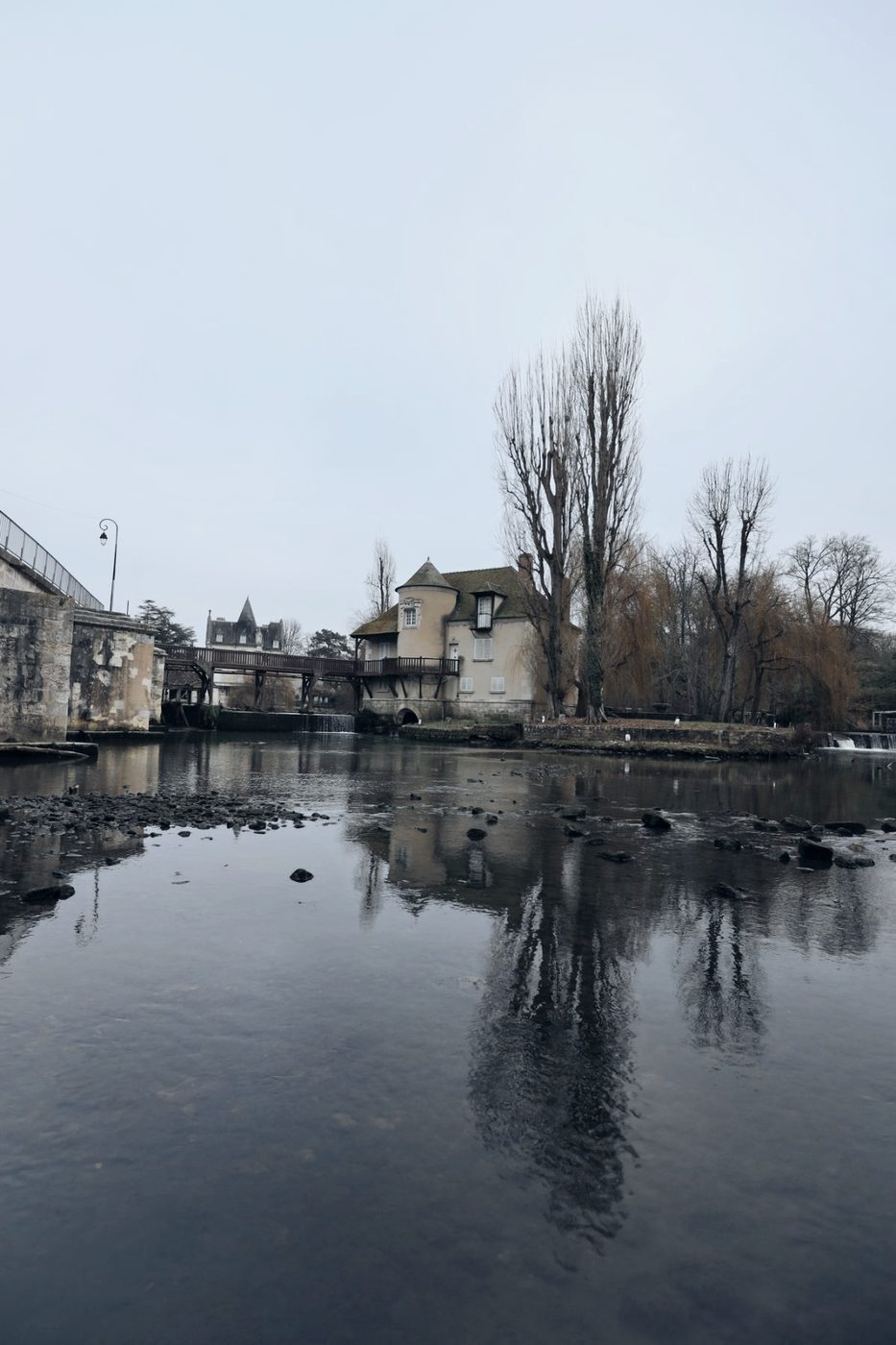
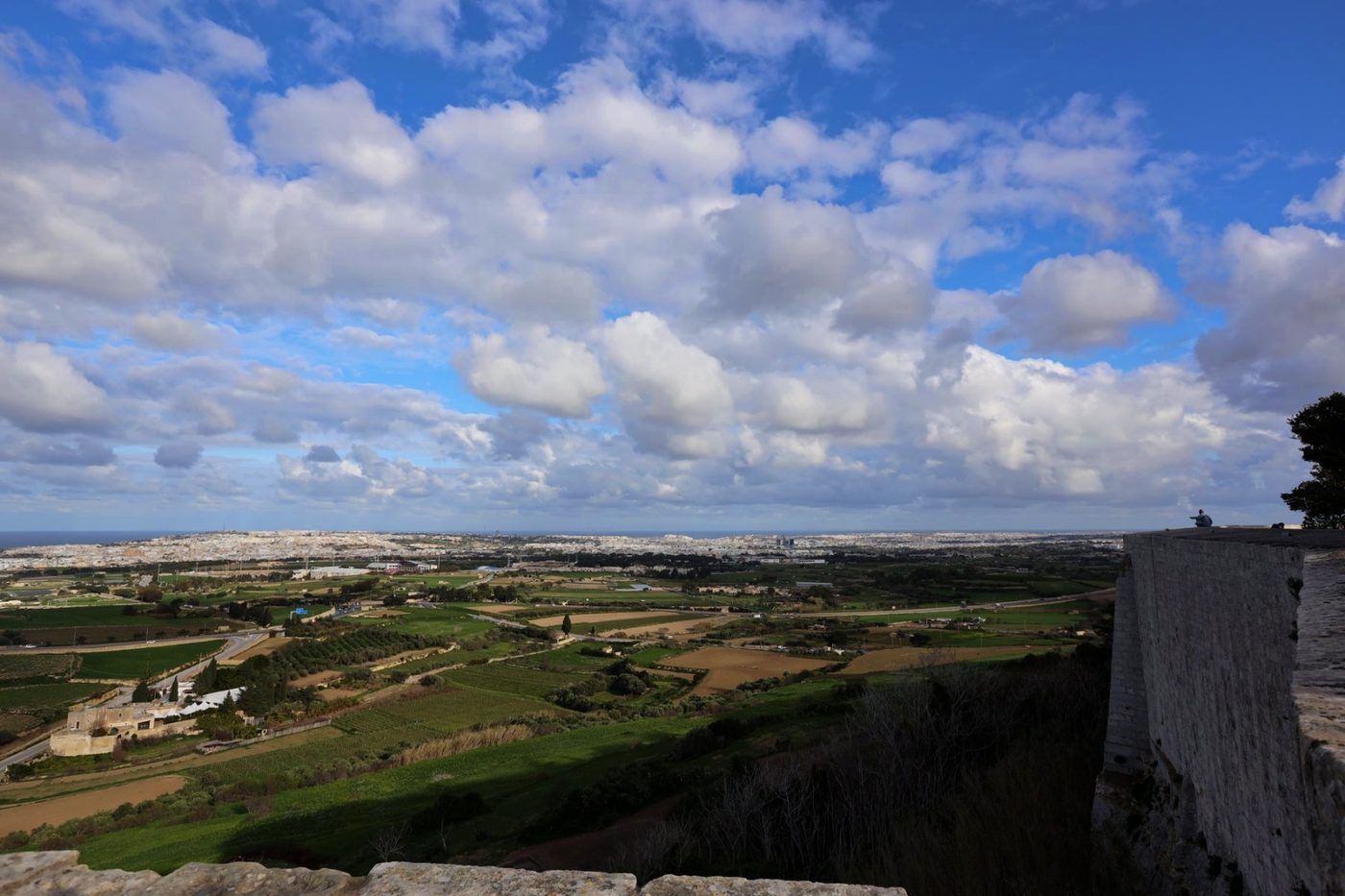
photoKam Radar photo gallery
Travel scenery and expressive portraits
Explore different colors and expressions with photoKam Radar.





Free and full versions
Every feature for everyone — the difference is the watermark
Free version
USD 0
- Every feature, including photo management, full view, editing and portrait retouching
- Free for individuals, companies and institutions, including commercial use
- A faint photoKam mark on edited photos and slideshows
- Your own logo · text watermark: preview only
Full version
USD 39
- Every feature of the free version
- Export photos and slideshows without the photoKam mark
- Add your own logo · text watermark
- Use on one PC with no time limit
photoKam Showcase
A year of Radar, earned with your photos
Share photos you edited in Radar on Showcase. Once at least 10 of your photos are approved and 24 hours have passed since your first upload, you can request a one-year Radar license.
Even from the free version, photos on Showcase carry no watermark.
Windows · macOS
Does editing change my originals?
No. Edits and 90° rotations are saved separately, and a new file is created only when you export.
How long can I use the free version?
With no time limit, and every feature is included. Exporting edited photos or viewing them in a slideshow adds a faint photoKam mark, which disappears once you register the full version. Your own logo · text watermark goes into exported photos in the full version.
How do I register the full version?
Enter the order code from your purchase email in the app's License window (Register with order number), along with your name. Without an internet connection, you can register manually with an activation code.
Can I use it on a Mac?
Yes. There's a macOS version for Macs with Apple silicon (M series), which runs on macOS 13.3 or later. iPad and iPhone apps are on the App Store, and Android tablet and Android phone apps are on Google Play.
Try it with your own photos first
Windows 1.2.2 · macOS 1.2.0 — download it free and try every feature.